🎞️ BBC footage: drives to Dropbox
Office MacBook Pro · Oct 7, 2026 · updated 9:45 PM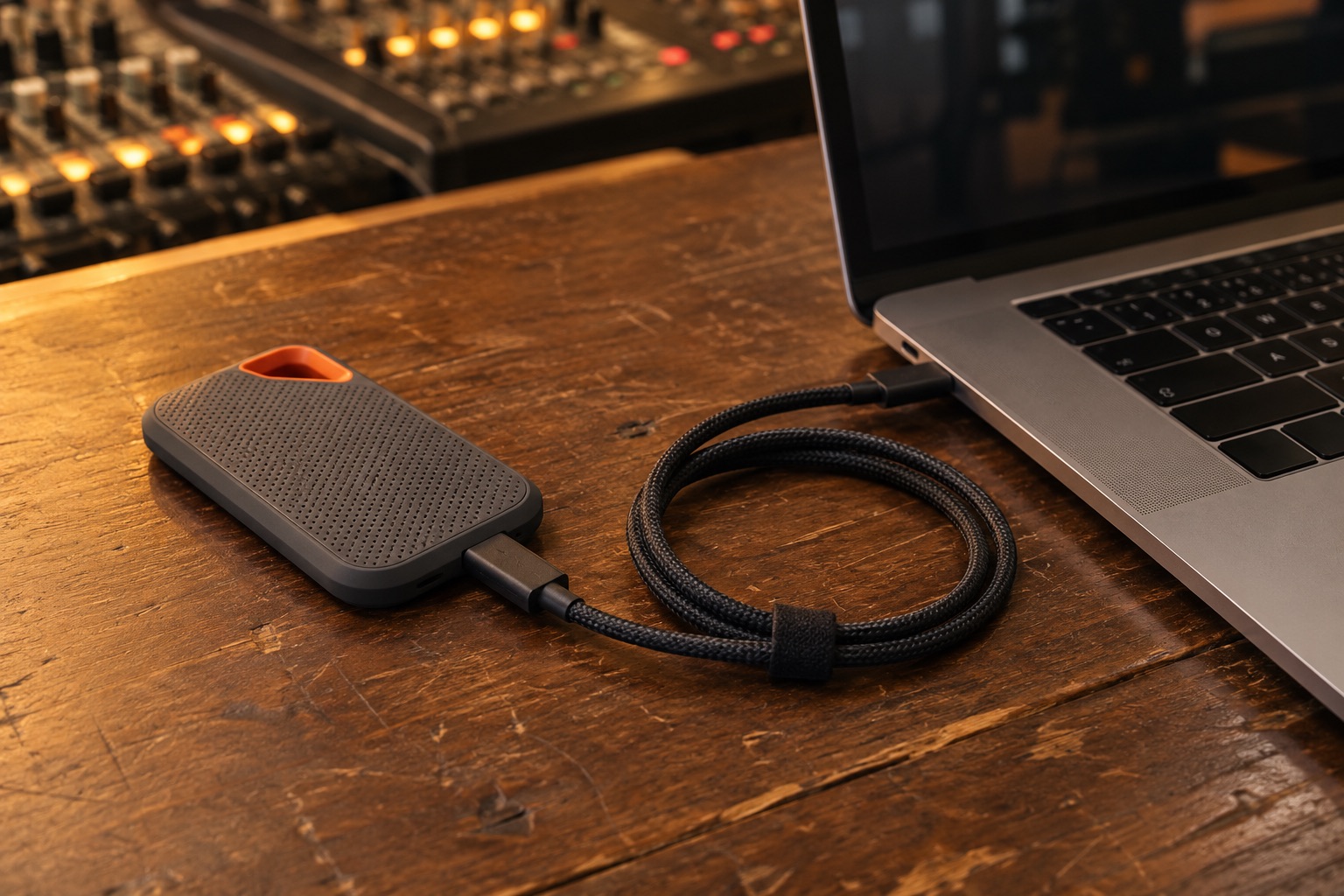
🔌 Swap the Mac's charger cable
Use a USB-C cable rated 5 A / 100 W, or plug in Apple's 96 W charger.
The battery drains even while plugged in. It was at 16% at 9:17 PM and on track to run out around 9:50 PM. At 9:38 PM it read 19% and charging, so keep whatever is plugged in now. A dead Mac kills every copy and upload.
🧭 Why it keeps pausing: FreeFileSync stops and waits for a click every time a SanDisk drive fails a read.
🌐 The flow: copy the drive to _Ingest on the 8TB, upload from there at dropbox.com in Chrome. The Dropbox folder in Finder is for downloads only.
✅ Then, in order
-
🌐 Let the Chrome upload from TRC HD15 finish first
Chrome is uploading
ISO CAM 8 02.brawto dropbox.com straight off HD15. Don't run FreeFileSync on HD15 until it's done.Two programs reading the same struggling drive slow each other down. If the browser upload fails partway, copy the file with ddrescue (step 5) and upload that copy.
-
⚙️ Set FreeFileSync to keep going on errors
Click the settings gear next to Synchronize. Then:
- Choose Ignore errors instead of Show pop-up on errors or warnings
- Automatic retry: 0 (off)
- Right-hand folder:
/Volumes/8TB Dropbox/_Ingest/BBC, outside the Dropbox folder. Today it points inside Recording Club Dropbox.
Save the job.
A failed file gets skipped and logged, and the run moves on. Retries don't help: each one restarts the file from zero. On Oct 6 one 202.6 GB file was retried 100 times and the Mac read 3.73 TB for nothing. This job never deletes anything.
-
🔗 Plug the SanDisk straight into the Mac
Its own short cable, no hub, no adapter. Keep it cool and uncovered.
The errors land at random points in the file, which points at the cable, the port or heat.
-
🔁 Run until it says 0 items remaining
When a run ends, look for 0 items remaining. If it isn't 0, press Synchronize again.
Re-runs copy only what failed plus anything new. Failed files are listed in the log, and nothing is left half-copied.
-
🩹 Files that still fail: copy them with ddrescue
Start with the two CAM 8 files:
ISO CAM 8 02.brawandCAM 8 (BTS)/ISO CAM 8 01.braw. They go into_Ingeston the 8TB drive, outside Dropbox.Once: someone signed in as the gregspero account opens Terminal and runs this. The office account can't install it.
brew install ddrescue
Then, from the office account, run both lines in Terminal:
mkdir -p "/Volumes/8TB Dropbox/_Ingest"
ddrescue -v "/Volumes/TRC HD15/CAM 8/ISO CAM 8 02.braw" "/Volumes/8TB Dropbox/_Ingest/ISO CAM 8 02.braw" "/Volumes/8TB Dropbox/_Ingest/ISO CAM 8 02.map"
When it stops, run the same thing again with
-r3so it retries the gaps:ddrescue -v -r3 "/Volumes/TRC HD15/CAM 8/ISO CAM 8 02.braw" "/Volumes/8TB Dropbox/_Ingest/ISO CAM 8 02.braw" "/Volumes/8TB Dropbox/_Ingest/ISO CAM 8 02.map"
The file is done when the second run reports 0 bad bytes. If some bytes stay bad, open the file in DaVinci Resolve and check it plays.
For the BTS file, use the same two lines with its own name. To get any file's exact path, drag the file from Finder into the Terminal window.
ddrescue keeps every byte it already read and only re-reads the gaps. FreeFileSync starts big files over from zero, so a 200 GB file almost never makes it through.
-
⬆️ Upload at dropbox.com, not through Finder
In Chrome, open dropbox.com and go to the client's folder. Drag the finished session folder from
_Ingestinto the browser window.Files up to 375 GB upload reliably in the browser, so the 202.6 GB BRAW fits. A file over 375 GB is the one exception: move it into Recording Club Dropbox in Finder and let the desktop app send it. If Finder asks to Replace, click Stop.
Keep the
_Ingestcopy and the SanDisk until each file shows at full size on dropbox.com.Every write error FreeFileSync logged on the 8TB drive since Sep 8 hit a folder inside the Dropbox folder that went missing mid-copy. Most likely, copying into the sync folder lets Dropbox move things underneath the copy. The desktop app then downloads the uploaded files into the Dropbox folder on its own.
-
🧰 Last: SanDisk firmware, only on drives already copied
After a drive's footage is safely copied, check SanDisk support for a macOS firmware updater for the Extreme PRO. Run it if there is one, then unplug and replug the drive.
A failed update on the only copy of the footage isn't worth the risk. Whether these drives need an update is unknown.
-
🧹 When there's time: Low Power Mode off, free up the Mac's drive
Neither one causes the pauses. Both slow the Mac down.
Turning off Low Power Mode may ask for an admin password.
🔍 The evidence
🧪 Why FreeFileSync pauses
- The saved job was set to show a pop-up on every error, with 0 retries, so each error waited for someone to click.
- 26 of the 38 FreeFileSync logs from Sep 15 to Oct 6 show
Input/output error [read]on a SanDisk source drive. - Since Sep 26 every error has been a read error. Before that, 10 sessions also stopped when destination folders on the 8TB drive vanished mid-copy.
- macOS counts 114 read errors on TRC HD15 and 0 errors on the 8TB drive after 6.84 TB written.
🎯 Why the cable and heat come before blaming the drive
- On Oct 6,
ISO CAM 8 02.braw(202.6 GB) failed 100 times. Each attempt died somewhere between about 12 GB and 156 GB in. - Failures at different spots each time point at the USB link, the drive's bridge chip, heat or power more than worn-out flash. That is an inference, moderate confidence.
- At about one error per 37 GB, a clean single pass of that file has under a 1% chance. That is why big files go to ddrescue.
🔋 Why the battery drains on the charger
- The Mac reads its 87 W adapter as delivering 60 W at 3 A, which suggests the cable isn't rated for 5 A.
- This MacBook Pro shipped with a 96 W charger. It went from 21% to 16% between 9:07 and 9:17 PM while plugged in.
- Having sleep turned off does not stop the Mac from shutting down when the battery hits zero.
🛟 Why re-running is safe
- The job copies new and changed files to the 8TB drive and never deletes anything there.
- Fail-safe copy is on, so a failed file leaves nothing half-written.
- With Ignore errors, failed files are still logged and still counted under items remaining.
- Dropbox takes files up to 2 TB. Browser uploads over 375 GB can time out, so those go through the desktop app. Dropbox file size limits
🌐 Why upload in the browser
- On Oct 7 at 9:38 PM, Chrome held
ISO CAM 8 02.brawopen and had a live connection to a Dropbox, Inc. server. The team already uploads this way. - The FreeFileSync job wrote straight into
Recording Club Dropbox/Clients (Internal Links)/BBC, so the desktop app was syncing files while they were still being copied. - The 278 write errors from Sep 8 to Sep 26 all hit client folders inside the Dropbox folder, such as Phillip Weatherspoon (159) and Shawn Law Yone Gilad (71).
- The 8TB drive has 5.9 TB free, so a copy in
_Ingestplus the synced copy fit.
❓ Still unknown
- Whether SanDisk has a firmware fix for these drives, and whether TRC HD15's firmware (4060) already has it.
- Which models HD1 to HD12 are. Only HD15 was connected.
- Whether the firmware updater needs an admin password.
- Which tab of the FreeFileSync settings dialog holds the error options in version 14.12.
- What went wrong for the team in the past when uploading through the desktop Dropbox folder.